Secure Remote Access
Reach the devices you need through a secure connection, wherever you are.


Connect to your computers securely, share screens and stay connected wherever you need to be.
Quick answers about remote access, connection security and everyday use.
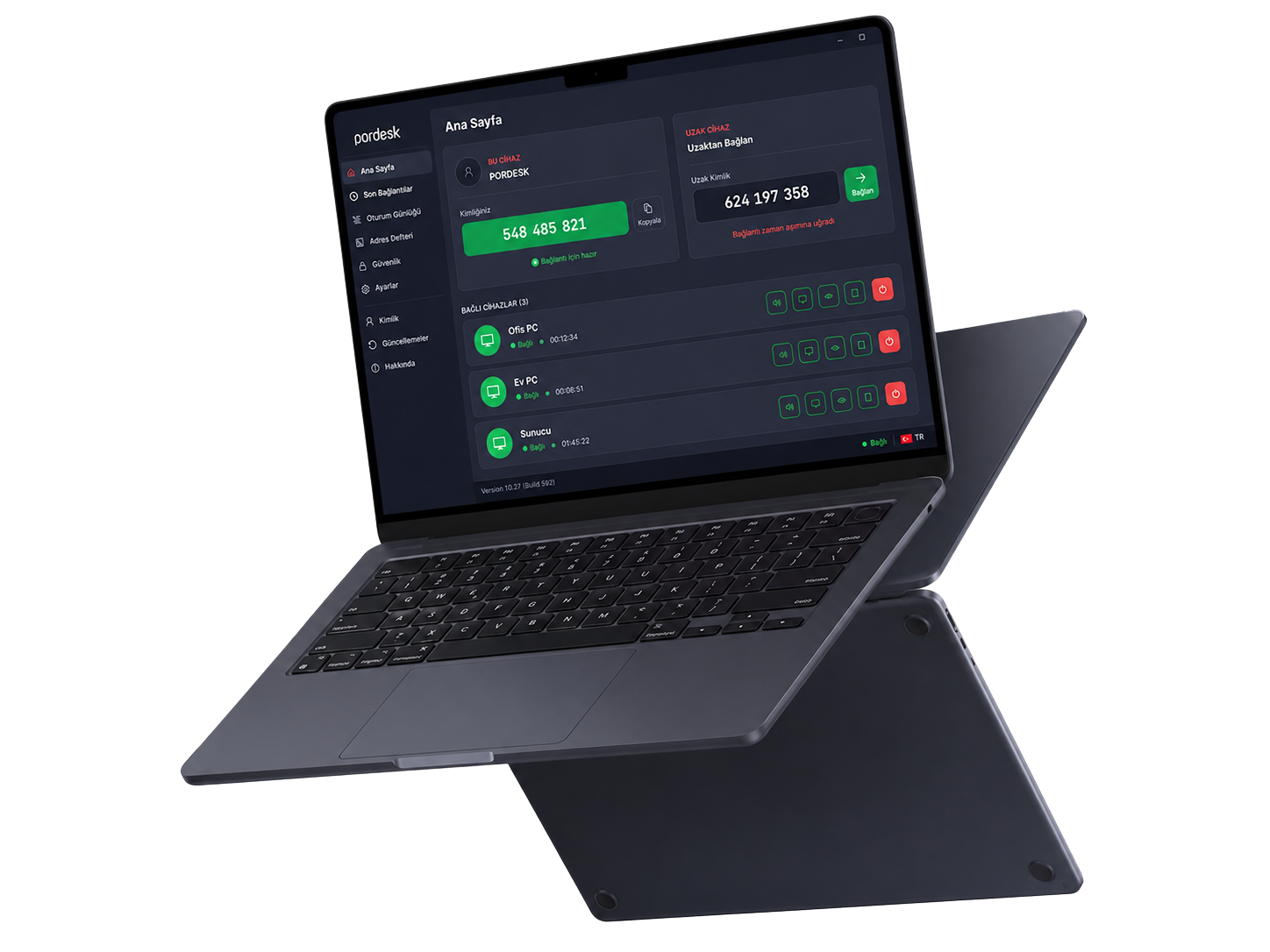
Pordesk Viewer brings secure remote access, screen sharing, file transfer and device management together in one straightforward workflow.
Open Viewer, enter the remote ID or choose a saved device, then start the connection request.
Yes. Connections use encrypted communication and session permissions are managed according to the access you need.
Yes. You can securely transfer documents, setup files and other content you need while connected.
Access can be configured for authorised devices without requiring someone at the other end. Settings remain under your organisation's control.
Pordesk Viewer brings together the tools you need to speed up support and give you controlled access to your devices.
Reach the devices you need through a secure connection, wherever you are.
View the remote screen clearly and keep support sessions moving without interruption.
Transfer documents and the files you need easily between devices during a session.
Keep track of sessions across multiple devices from one organised panel.
Manage access permissions to suit your needs and stay in control of every session.
Follow connection history and important session details with ease.